For Shopify merchants

Collect complete invoice details in the cart.

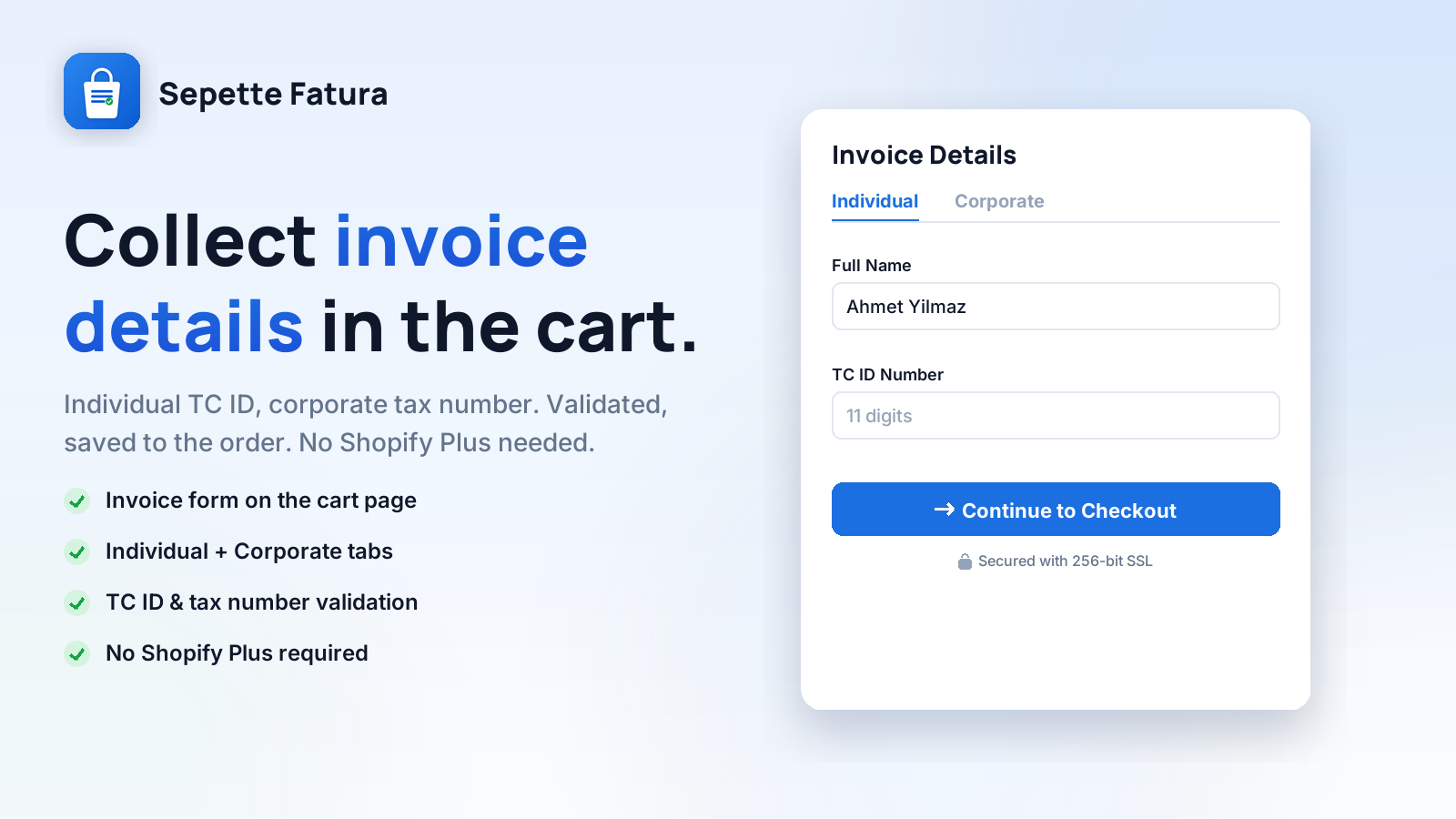
Your customers can't reach checkout without entering their TC ID (Individual) or tax details (Corporate) on the cart page. Details are validated, written to the order note - ready for e-invoicing. No Shopify Plus required.

Connected e-invoice providers
Trendyol e-Faturam Paraşüt Logo İşbaşı

A 1-minute intro - from setup to your first invoice.

At a glance

Sepette Fatura in 30 seconds.

The facts a merchant asks first, in one place.

Platform
Shopify, all plans; no Shopify Plus or checkout editing rights required
App type
Cart-page invoice details form plus e-Invoice / e-Archive issuing for stores selling in Türkiye
Collected details
Individuals: TC Kimlik No; companies: legal name, tax office, tax number; algorithmic checksum validation
e-Invoice integrations
Trendyol e-Faturam, Paraşüt and Logo İşbaşı; e-Invoice for registered taxpayers, e-Archive for everyone else
Pricing
Pro plan at $3.99 per month or $39.99 per year; 7-day free trial, unlimited orders
Customer data
Invoice details are not stored in the app database; they are written to Shopify order attributes
Developer
Joykek, İstanbul, Türkiye (joykek.com)
Install
Shopify App Store listing
e-Invoice integrations

Issue the invoice from the app.

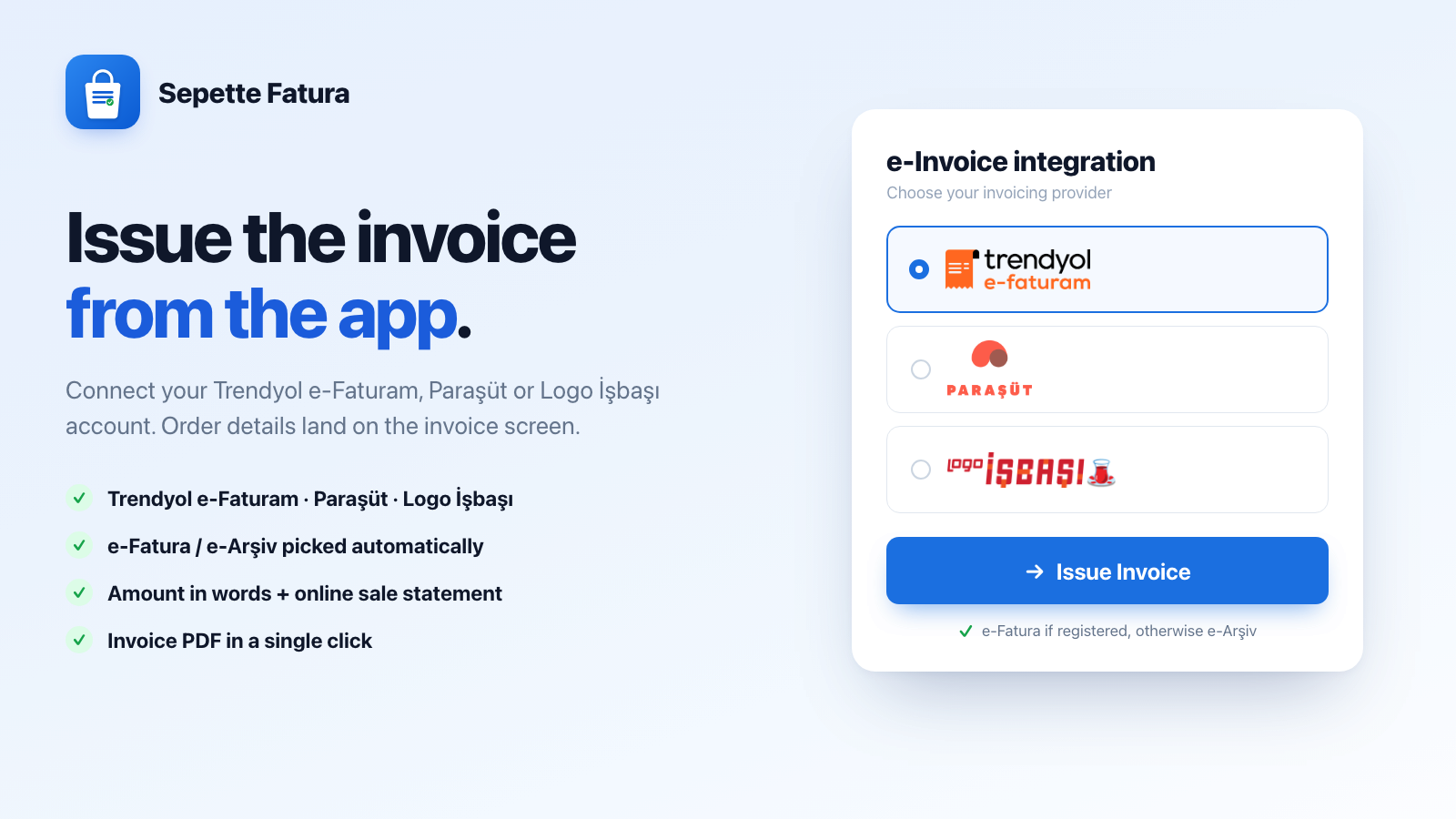
Sepette Fatura no longer just collects invoice details. Connect your account and the order lands on the app's invoice screen; e-Arşiv or e-Fatura is issued in one click and you download the PDF right there. All three providers are live today.

Trendyol e-Faturam

Trendyol's e-Faturam (Digital Planet) infrastructure. You connect with your portal e-mail and password; the password is stored encrypted and never shown again. Issued invoices land in your e-Faturam archive.

Paraşüt

You connect your Paraşüt account from its own authorisation screen - you never type your password into the app. Contacts and products are created on the Paraşüt side, so the invoice sits with the rest of your bookkeeping.

Logo İşbaşı

One-step authorisation with your Logo İşbaşı account; again, no password is entered into the app. Invoices land in your İşbaşı ledger and your bookkeeping flow stays intact.

How it works

Three steps from setup to first invoice.

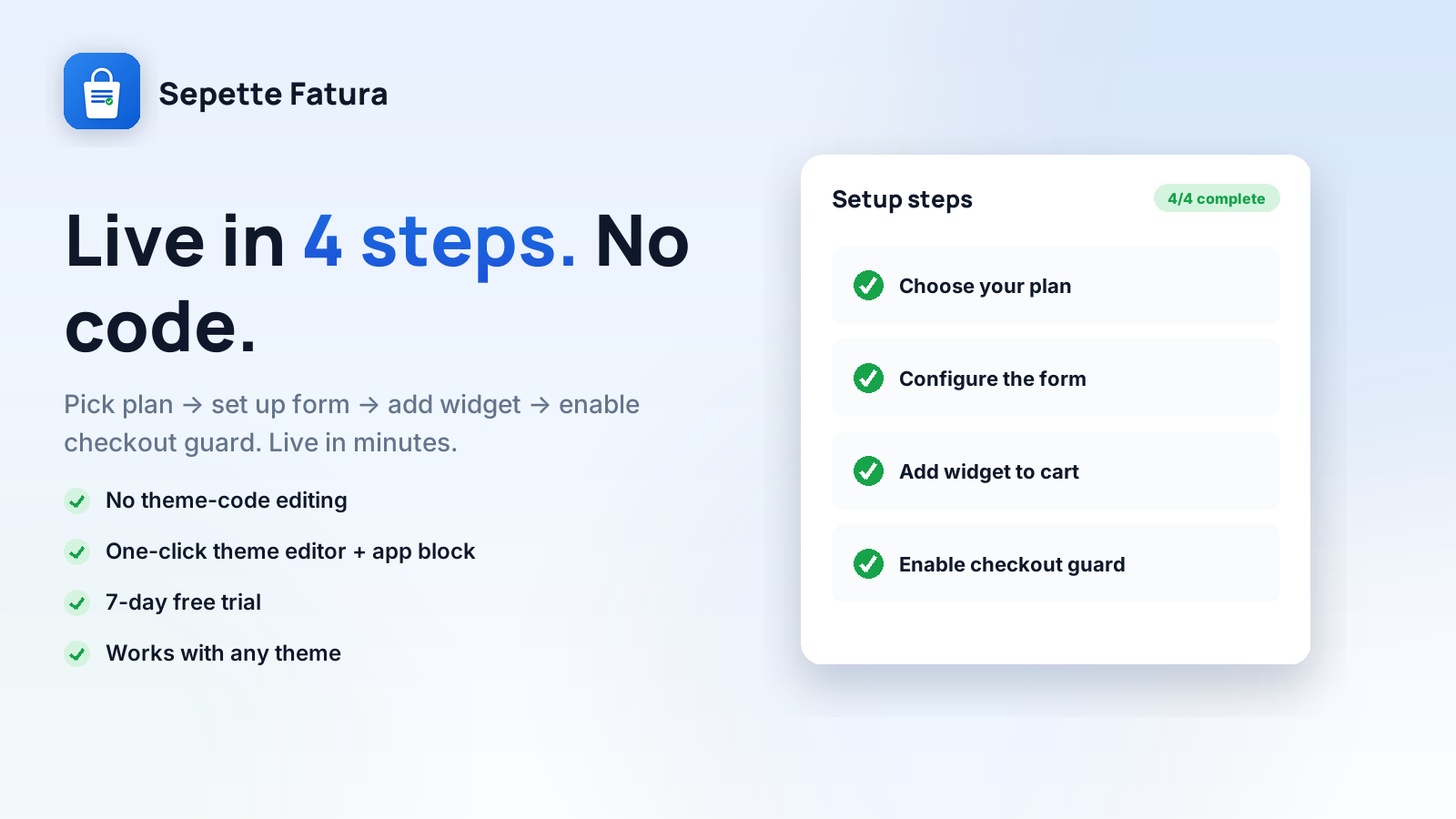
Sepette Fatura runs on Shopify's Theme App Extension framework. The widget you add to the cart page keeps the checkout button disabled until your customer enters their invoice details - no code, right from the theme editor.

1

Install and choose your plan

Install from the Shopify App Store and pick your plan. Every plan starts with a 7-day free trial - you're not charged until it ends.

2

Configure the form and add the widget

Set up Individual / Corporate tabs, required fields and colors. Add the “Sepette Fatura” block to the cart page from the theme editor.

3

The customer enters their invoice info

On the cart page the customer enters their details (TC/tax number validated) and proceeds to checkout. The info is written to the order note - you issue the e-invoice.

Screenshots

See it in action.

From the invoice form to the order screen - how Sepette Fatura looks in your store.

Features

Everything you need for e-invoicing.

Built for Shopify merchants in Türkiye. Works even without checkout editing access (Shopify Plus).

B

Individual & Corporate

Two tabs: TC ID for individuals; company title, tax office and tax number for businesses. You choose which fields are required.

TC / tax number validation

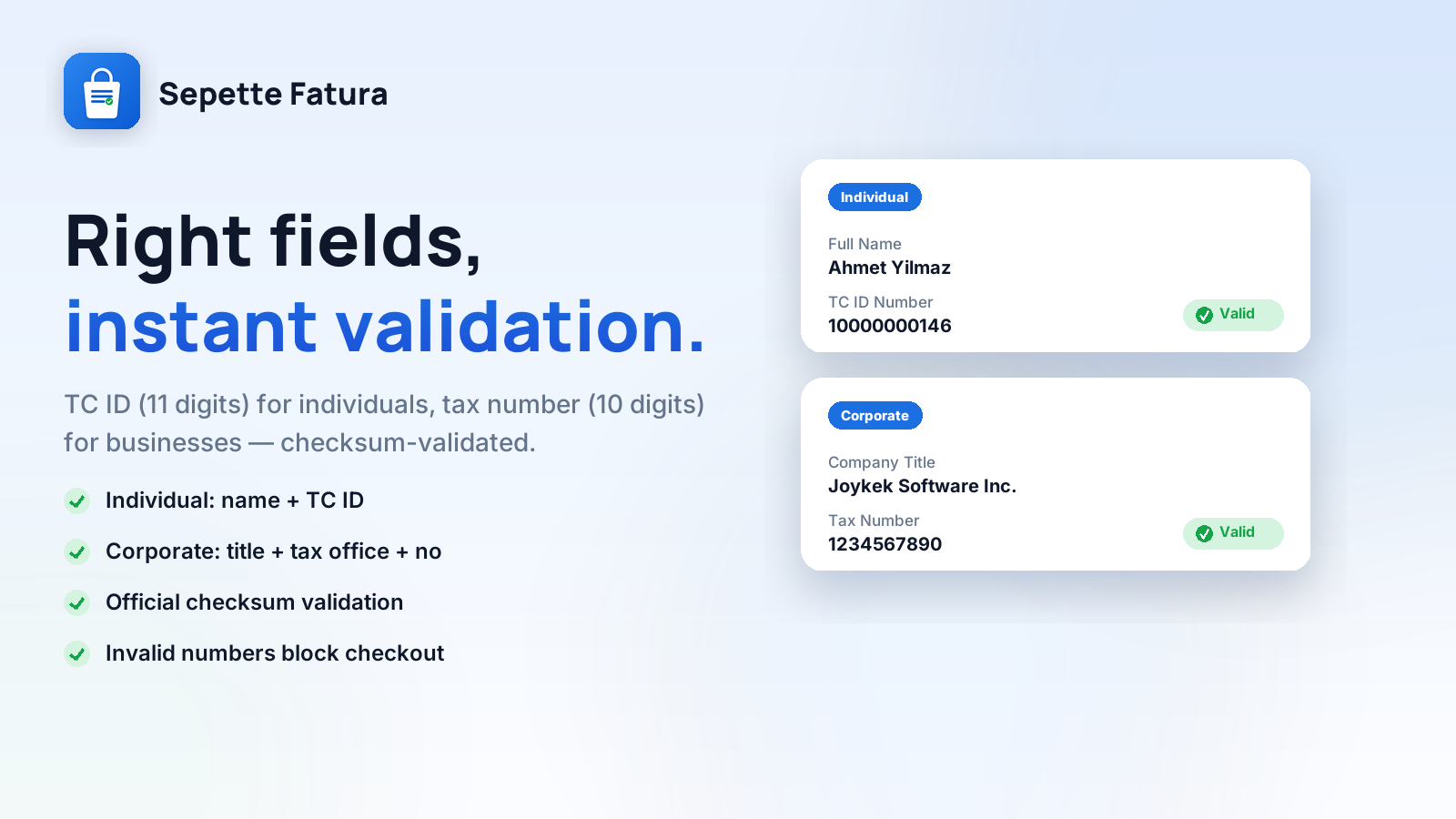
TC ID (11 digits) and tax number (10 digits) are validated with an algorithmic checksum. Invalid numbers can't proceed to checkout.

🔒

Checkout protection

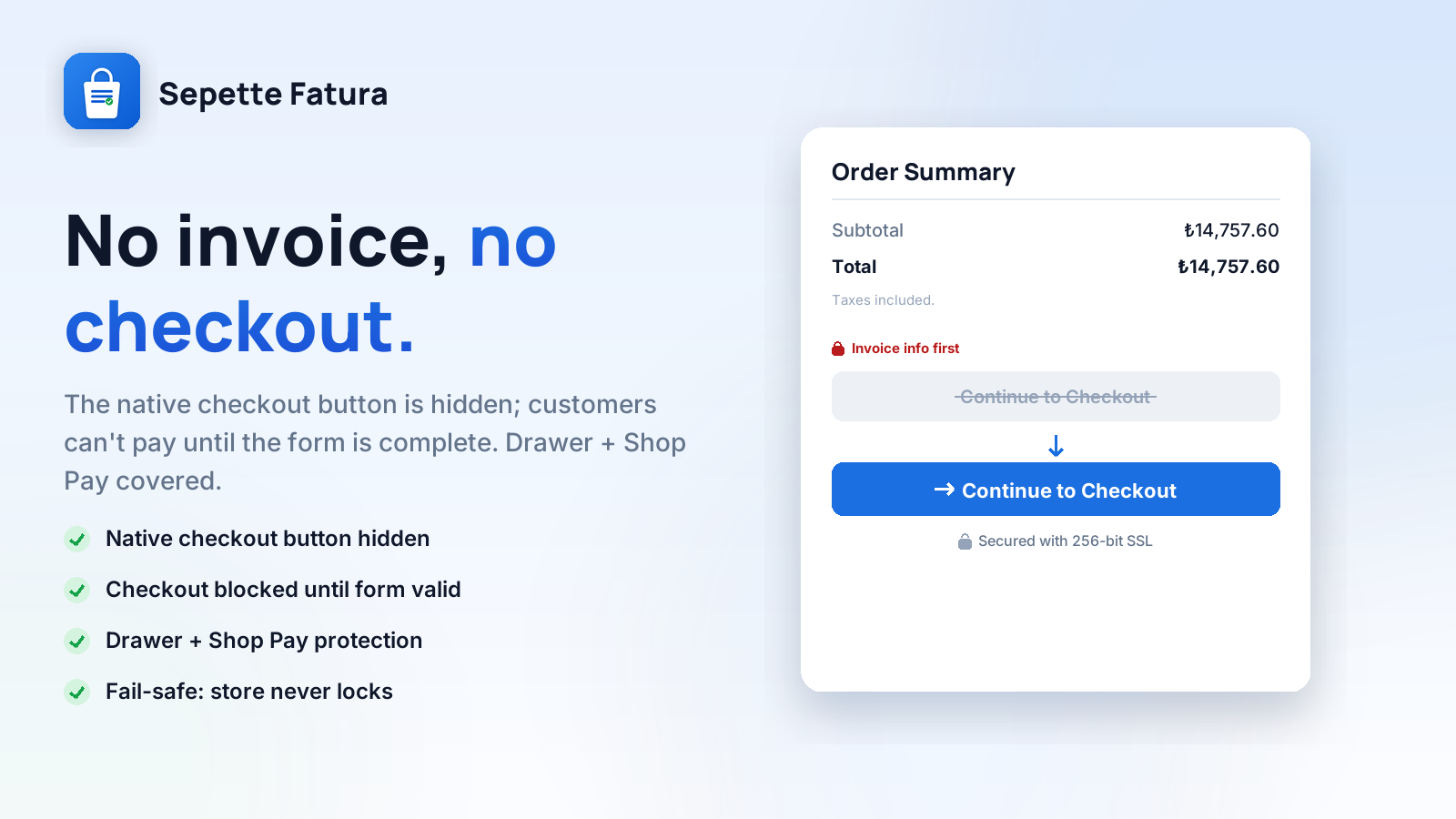
The native checkout button stays disabled until the form is filled. Cart drawer and express checkout are redirected to the invoice form too.

T

Theme App Extension

You add the widget to the cart page from the theme editor. Fully responsive, no developer needed. Width and colors are adjustable.

📋

Auto-written to the order

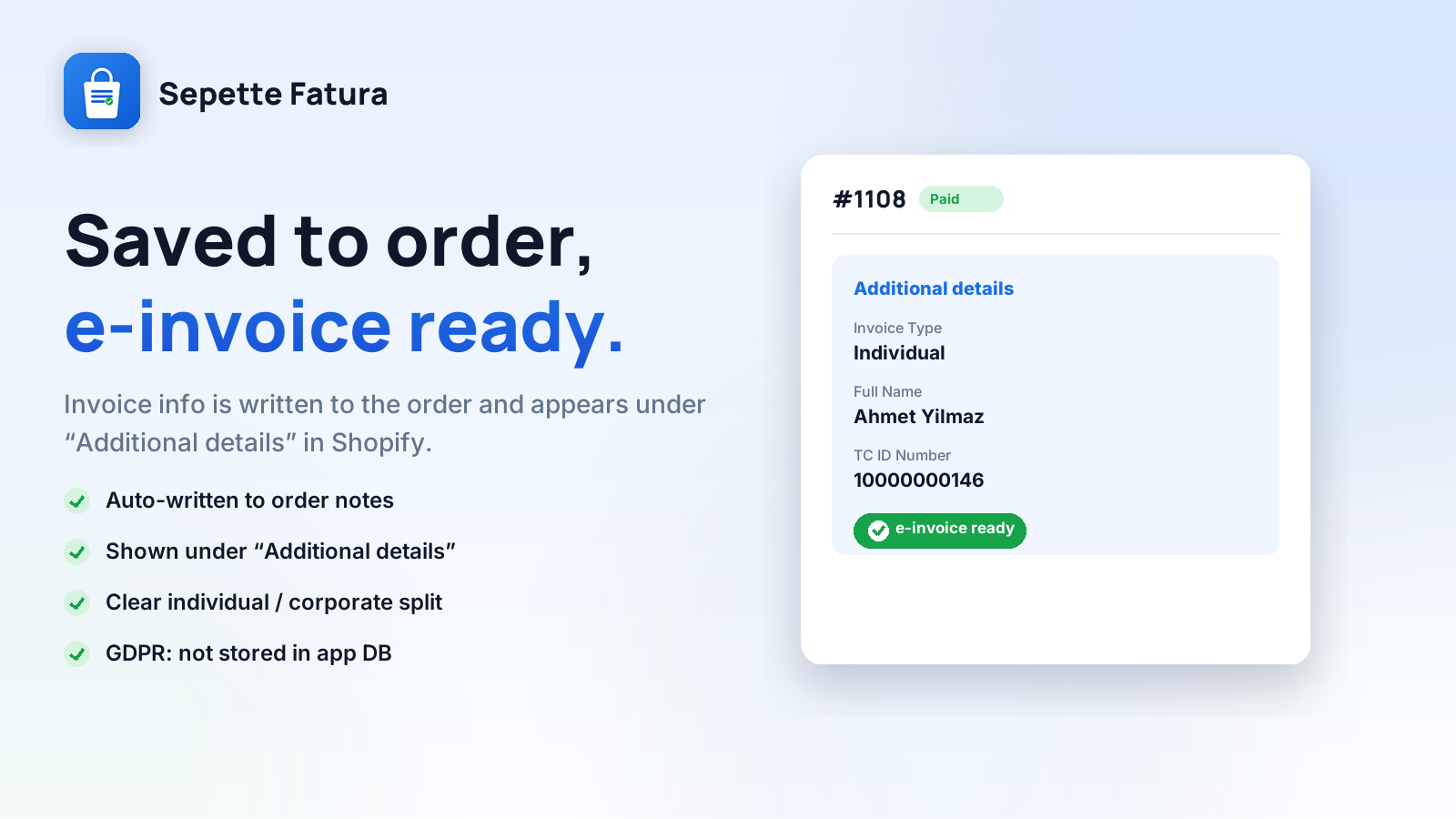
Invoice details are written to the order notes (cart attributes) and appear under “Additional details” in the Shopify order.

Fast and native

An embedded panel inside Shopify admin. No third-party scripts, doesn't break the checkout flow, doesn't affect store speed.

Quick start

Your first setup takes 5 minutes.

After installing Sepette Fatura from the Shopify App Store, follow these steps.

  1. Open Sepette Fatura from Shopify admin

    Go to Apps → Sepette Fatura. The panel with setup steps opens.

  2. Start the 7-day free trial

    Click Choose plan and approve it. You're not charged until the trial ends.

  3. Configure the invoice form

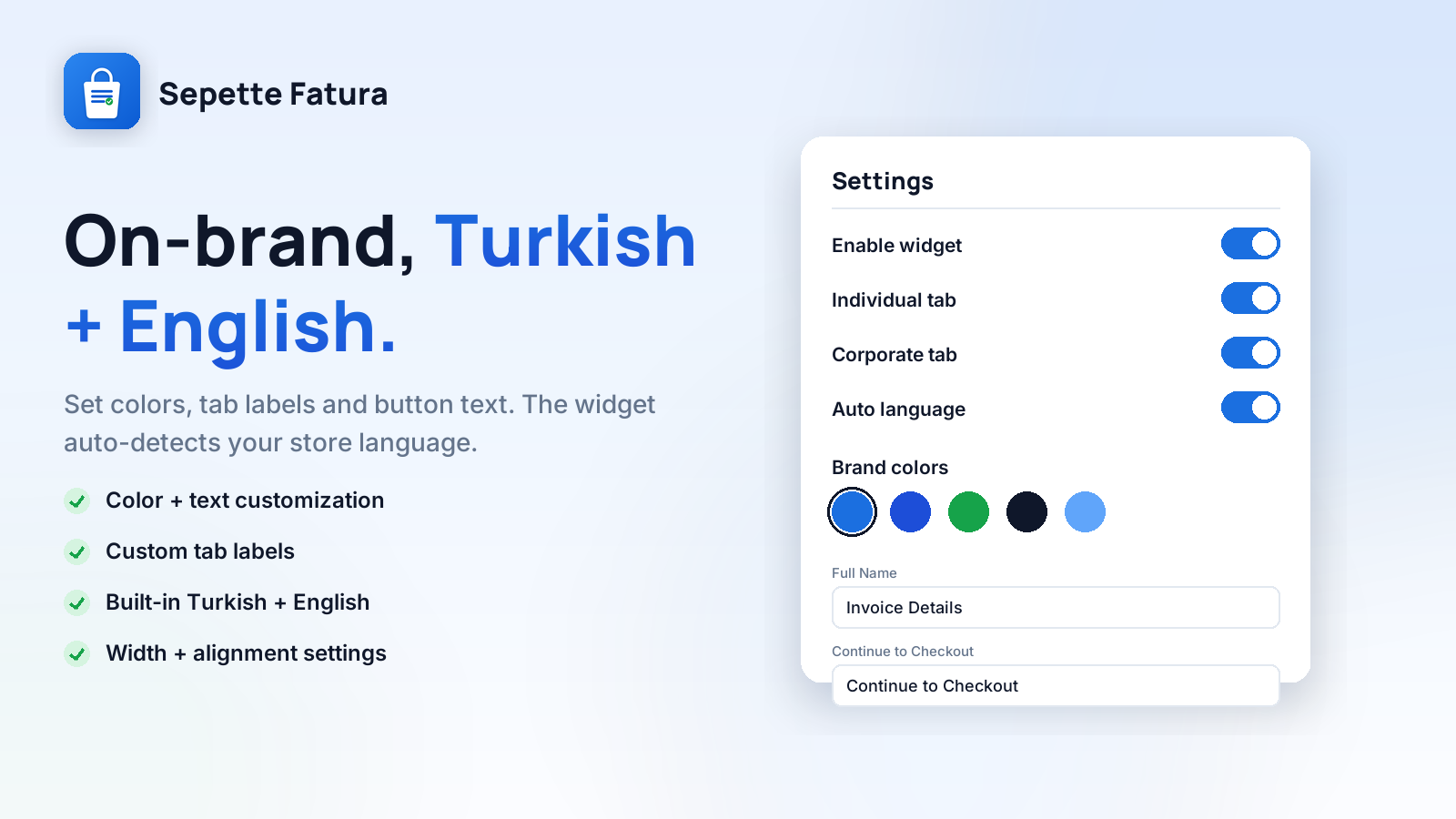
    From Settings, configure Individual/Corporate tabs, required fields, button text and colors.

  4. Add the widget to the cart page

    Open the theme editor, add the Sepette Fatura block to the cart template and save.

  5. Enable checkout protection

    From Theme settings → App embeds, enable Checkout Redirect. This prevents skipping the form from the cart drawer and express checkout.

  6. Test it in your store

    Go to the cart page, fill the form, proceed to checkout and confirm the invoice info is written to the order.

Pricing

One plan, two billing options.

Every plan starts with a 7-day free trial. You're not charged until it ends. Cancel anytime. All payments are billed through your Shopify invoice.

Pro - Monthly
Flexible monthly billing
$3.99 / mo
7-day free trial
  • Unlimited orders
  • Individual & Corporate form
  • TC / tax number validation
  • Checkout protection (drawer included)
  • Width & color settings
  • Email support
FAQ

Frequently asked questions.

Didn't find your answer? Reach us from our contact page.

I can't edit checkout - will it still work?
Yes. Sepette Fatura doesn't require checkout editing access (Shopify Plus). It collects invoice info on the cart page and the customer can't proceed to checkout without filling the form. That's why it works with all Shopify plans.
Does it work with my current theme?
Sepette Fatura uses Shopify's Theme App Extension framework; it's supported on all Online Store 2.0 themes. You add the widget to the cart page from the theme editor - no need to edit template code.
Do you store my customer's TC ID / tax details?
No. Sepette Fatura does not store the invoice info in the app database. The data is written directly to the Shopify order notes (cart attributes); it stays in your Shopify store. See the Privacy Policy for details.
Are the TC ID and tax number validated?
Yes. An algorithmic checksum validation runs for the TC ID (11 digits) and tax number (10 digits). If an invalid number is entered, the checkout button stays disabled. This prevents invoices that can't be issued due to bad data.
Can it be bypassed from the cart drawer or express checkout?
No. When you enable the “Checkout Redirect” app embed, pressing the cart drawer or express checkout (Shop Pay etc.) buttons redirects the customer to the cart page, where they must fill the invoice form. This step prevents skipping the form on all themes.
Where does the info appear on the order?
The invoice details appear under “Additional details” in the Shopify order detail. From there you can see the TC ID or company title / tax office / tax number and issue your e-invoice.
Can I cancel my subscription anytime?
Yes. You can cancel from the billing page inside the app or via Shopify Settings → Billing → Active subscriptions. Cancellation takes effect at the end of the current billing period.
Can I switch from monthly to annual?
Yes. You can switch your plan between monthly and annual anytime from the billing page inside the app.